I keep tapping “Ignore Limit” on my iPhone. What can I change?
If you tap for more time as soon as Instagram hits its limit, put a Screen Time passcode between the warning and a change of plan. Start with one app or category. You can try this with the settings already on your iPhone.
Set up a passcode for your own Screen Time
In Settings → Screen Time, look for Lock Screen Time Settings. On iOS 27 it sits under Passcode & Management. Tap it, enter a four-digit code, then enter it again. Pick a different code from the one you use to unlock your phone. Add your Apple Account for passcode recovery so you have a way back if you forget it. Apple’s passcode instructions.
Set the limit that matches your phone
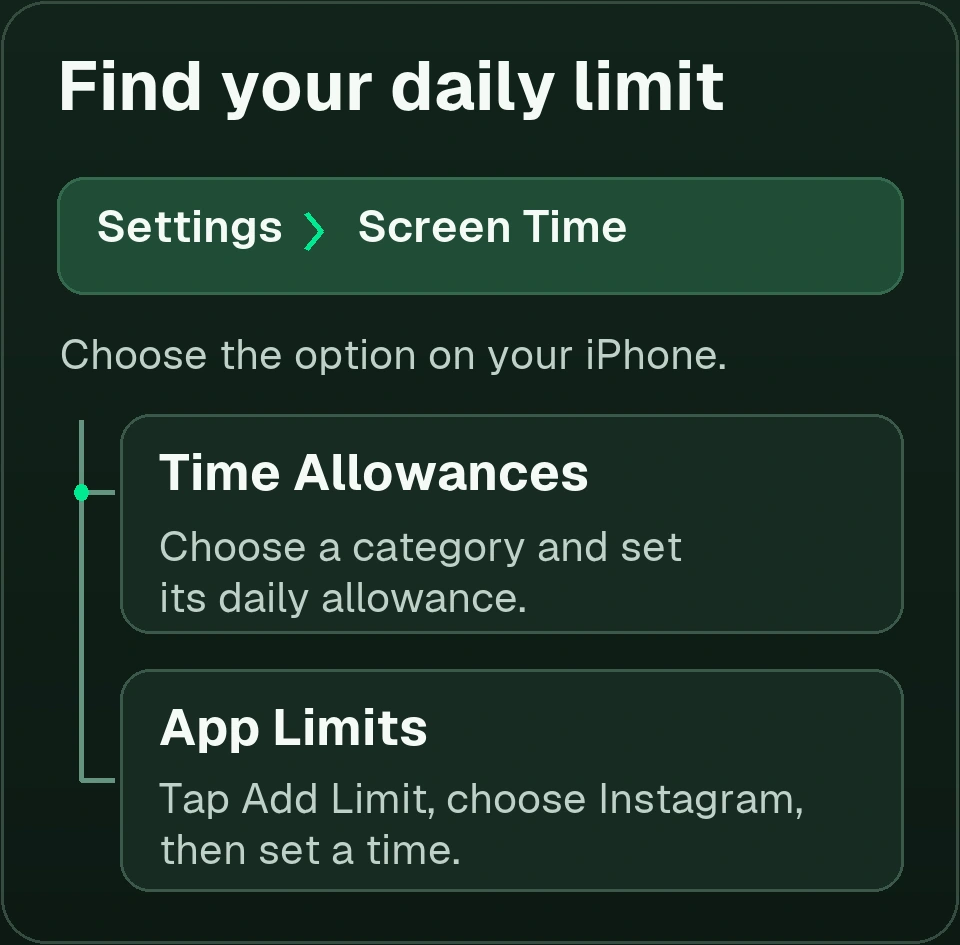
- If you see Time Allowances under Screen Time, open it. Select the category you want to limit, such as Social Media, and set its daily allowance. To add a category, use Manage Categories → +. Everything in a category draws from the same allowance, so check which apps it contains. Apple’s iOS 27 guide.
- If you see App Limits, tap App Limits → Add Limit. Expand the social category and select Instagram if that’s the only app you want to cap. Tap Next, set a time, and save. If your version shows Block at End of Limit, switch it on. If Screen Time first asks you to enable App & Website Activity, turn that on and return. Apple’s iOS 26 guide.
See what happens when time runs out
As a quick check, temporarily give the target app or category the shortest allowance available. Open Instagram, reach the limit, then try asking for more time. Check whether your phone asks for your Screen Time code when you try to extend access. Restore the daily allowance you actually want afterward.
If Instagram opens as usual, check its category, the available minutes, and whether it appears under Always Allowed. If the limit fires but you keep entering the code, you’ve found the sticking point. Knowing the code still lets you change your own settings.
What if I need Instagram for messages?
A daily allowance counts time spent on both DMs and Reels. If you keep overriding the limit to answer someone, try a rule you can follow in the moment. Before you open Instagram, name the person you’re replying to. After you send the reply, close the app. You can put that prompt on your Home Screen for free. Make an Instagram pause shortcut.
If you want the app to ask about your reason and decide whether to grant time, that’s what we built Takeback for. You select the apps you want to limit. In Hardcore mode you can tell Sarge, the AI coach, what you need to do. When access is granted, the whole selected app opens for a timed session. The coach can’t hide the Reels tab inside Instagram.
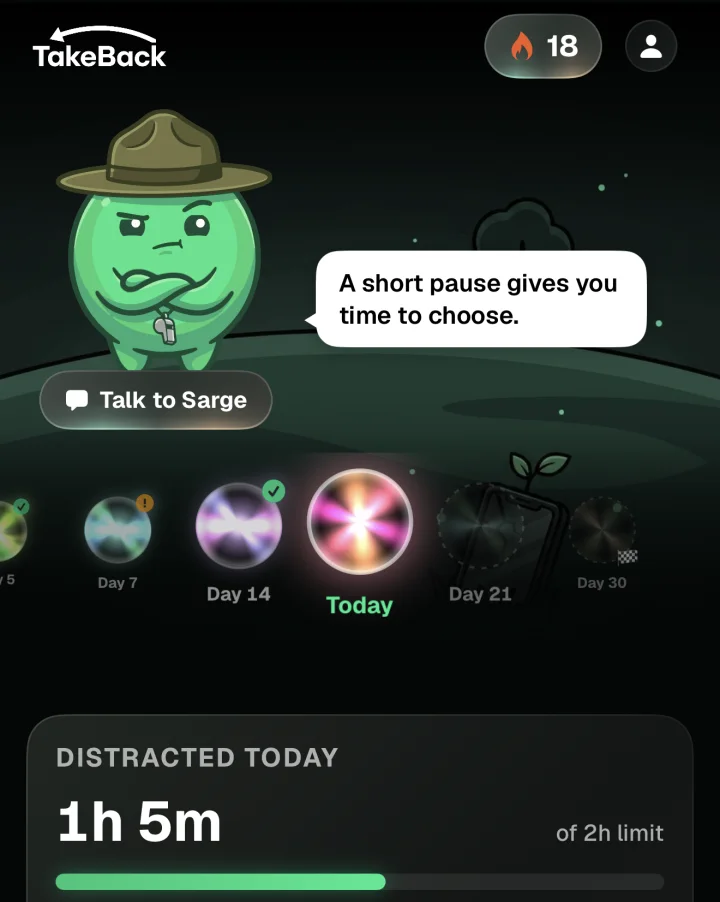
Takeback runs on iPhone and requires a paid subscription to use its program.
See Takeback on the App Store